
Picture this: you stopped the car, started at the parking meter or app, and thought “How to pay parking in Dubai?”. For newcomers or expats, parking in Dubai might be quite scary. Between SMS services, mobile apps, tap cars, and machines, the options get confusing. In 2025 the RTA rolled out new peak-hour zone pricing to ease congestion, which means using the wrong zone or payment method can cost you more than you expect.
Once you get to know how it is done, it’s not very complicated. In this article you’ll find 10 simple ways to pay parking in Dubai, plus clear explanations of zone codes, free parking windows, fees and penalties. By the end you’ll know exactly what to do. No stress and no guessing.
Overview of Parking in Dubai
Parking in Dubai isn’t just about finding a space; it’s about knowing what kind of parking it is. In Roads & Transport Authority (RTA)-managed areas of Dubai, you’ll find paid parking zones, free parking areas, and private parking lots – which can be confusing if you’re not sure which one you’re in. Public parking is clearly marked with signs giving the zone code and timings.
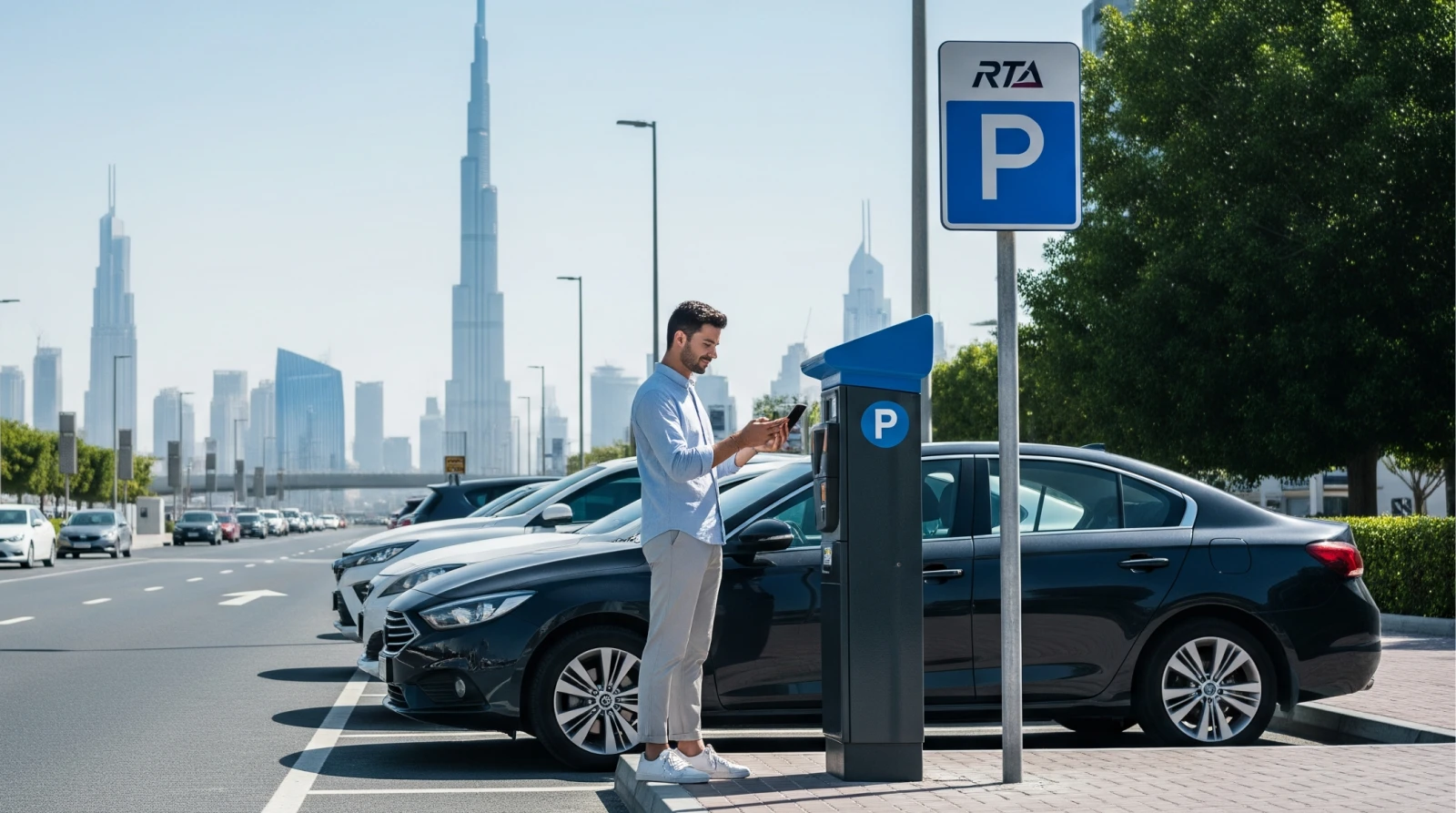
The good news? You don’t have to dig around for coins or visit a ticket machine every time. There are multiple Dubai parking payment methods available: apps, SMS, cards, or parking meters. Whether you’re a resident, visitor or part-time driver, knowing your zone and paying easily can save you stress (and fines).
Understanding Dubai Parking Zones and Timings
If you’re driving around Dubai, you’ll notice parking spots labelled with letters like A, B, C, D and so on. These are the RTA’s zone codes that tell you how much it will cost and when paying is required. You’ll find the code on nearby poles, meters or inside the RTA app. Most paid parking operates from 8 :00 AM to 10 :00 PM from Monday to Saturday.
Many zones become free outside these hours, such as on Sundays and public holidays. Checking the RTA Dubai before parking tells you the zone code, active hours and the fee. These help you avoid surprises and fines.
Parking Fees and Free Parking Days in Dubai
If you’re parking in Dubai, here’s a quick look at the numbers so you’re prepared: Premium public parking now costs about AED 6/hour, and standard paid zones are around AED 4/hour during busy hours.
Paid payment windows apply from 8 :00 AM until 10 :00 PM, and after that—or all day on Sundays—you’ll find free parking timings in Dubai.
If you’re a regular parker (resident or driver who’s often on the move), consider the seasonal parking card Dubai option: pay once and park more freely across certain zones. Knowing the parking fees Dubai up front means you won’t get caught off guard or pay extra because you didn’t check the zone or timing.
Different Methods of Paying for Dubai Parking
Whether you’re a tech guru or someone not very keen on tech, Dubai offers several easy parking payment methods for everyone. This makes paying parking in Dubai as quick as snapping fingers. Here are ten simple ways that make how to pay parking in Dubai easy:
1. Pay via SMS (mParking Service)
If you don’t have internet access, the pay parking via SMS Dubai option is the easiest. You just send an SMS to 7275 (PARK) with your vehicle and parking details.
Steps:
- Open your phone’s SMS app.
- Type the message in this format: <Plate Number> <Zone Number> <Duration>
Example: A12345 123A 2 (for 2 hours). - Send it to 7275.
- You’ll receive a confirmation message once payment is successful.
To extend time, simply reply with “Y” before your parking expires. The system adds the same duration automatically.
2. Pay Using RTA Dubai App
The mobile app parking payment Dubai RTA method is one of the most convenient options. It works online, lets you check nearby parking, and even sends reminders.
Steps:
- Open the RTA Dubai App.
- Select “Public Parking.”
- Enter your vehicle plate number and parking zone.
- Choose duration and tap “Pay.”
Ending: The app reminds you when your time is ending, so you can extend it with one tap. No fines or last-minute rush.
3. Pay via DubaiNow App
The DubaiNow App is a one-stop solution for bills, fines, and Dubai parking payment methods. It’s especially useful for expats managing multiple services in one place.
Steps:
- Download and open DubaiNow.
- Tap on “Parking.”
- Enter your plate number and zone code.
- Confirm payment through your saved card.
Ending: With this app, you can pay for parking, renew your vehicle registration, and even check traffic fines.
4. Pay Using NOL Card
If you carry a NOL Card (the same one used for metro or bus), you can also use it for parking. It’s quick and ideal for those who prefer offline payment.
Steps:
- Find a nearby parking meter.
- Tap your NOL Card on the reader.
- Choose duration and wait for confirmation.
Tip: Make sure your card has enough balance before tapping. you can check it on the RTA app or metro kiosks.
5. Pay via WhatsApp (mParking Integration)
This is one of the newest and easiest methods. The RTA now allows drivers to pay parking via WhatsApp using the same mParking format.
Steps:
- Save the RTA WhatsApp number +971 58 8009090.
- Send a message in this format: <Plate Number> <Zone Number> <Duration>
- Wait for the confirmation message and receipt.
It’s great for frequent drivers who already use WhatsApp. no need to open any extra app or website.
6. Pay at Parking Meter Machines
For those who prefer the traditional method, parking meter machines are still widely available.
How it works:
- Park your car and find the nearest meter.
- Insert coins or tap a NOL card.
- Select duration and collect your printed ticket.
This is great for tourists or anyone without an internet connection.
7. Pay Using the Dubai Drive App
The Dubai Drive App, another RTA-supported platform, provides a map view of parking zones and makes payments easy.
Steps:
- Open Dubai Drive App.
- Select “Parking Services.”
- Choose your location from the map.
- Enter your plate details and confirm payment.
The app also shows nearby parking spots in real-time, perfect during rush hours.
8. Pay via RTA Website
If you prefer doing things from your laptop or need to manage parking for multiple vehicles, the RTA website option works well.
Steps:
- Visit www.rta.ae
- Go to “Parking Services.”
- Enter your vehicle and zone details.
- Complete the payment using a credit/debit card.
This method is best for office users or fleet managers handling company vehicles.
9. Pay Through Salik or Linked Accounts
For some corporate users or frequent travelers, Salik-linked payments can automate the process.
Steps:
- Log in to your Salik or RTA account.
- Check if your vehicle is eligible for linked parking payment.
- Activate automatic deduction for parking sessions.
This system ensures you never forget to pay. The fee is deducted automatically whenever you park in a paid zone.
10. Pay Using Seasonal or Monthly Parking Permits
For residents or business owners who park regularly in the same area, seasonal parking card Dubai options save time and money.
Steps:
- Visit the RTA website or app.
- Apply for a monthly, quarterly, or annual parking permit.
- Pay the fixed fee online.
You’ll get digital access to parking zones without hourly payments. Ideal for office staff, chauffeurs, and regular commuters.
Common Parking Mistakes and Penalties in Dubai
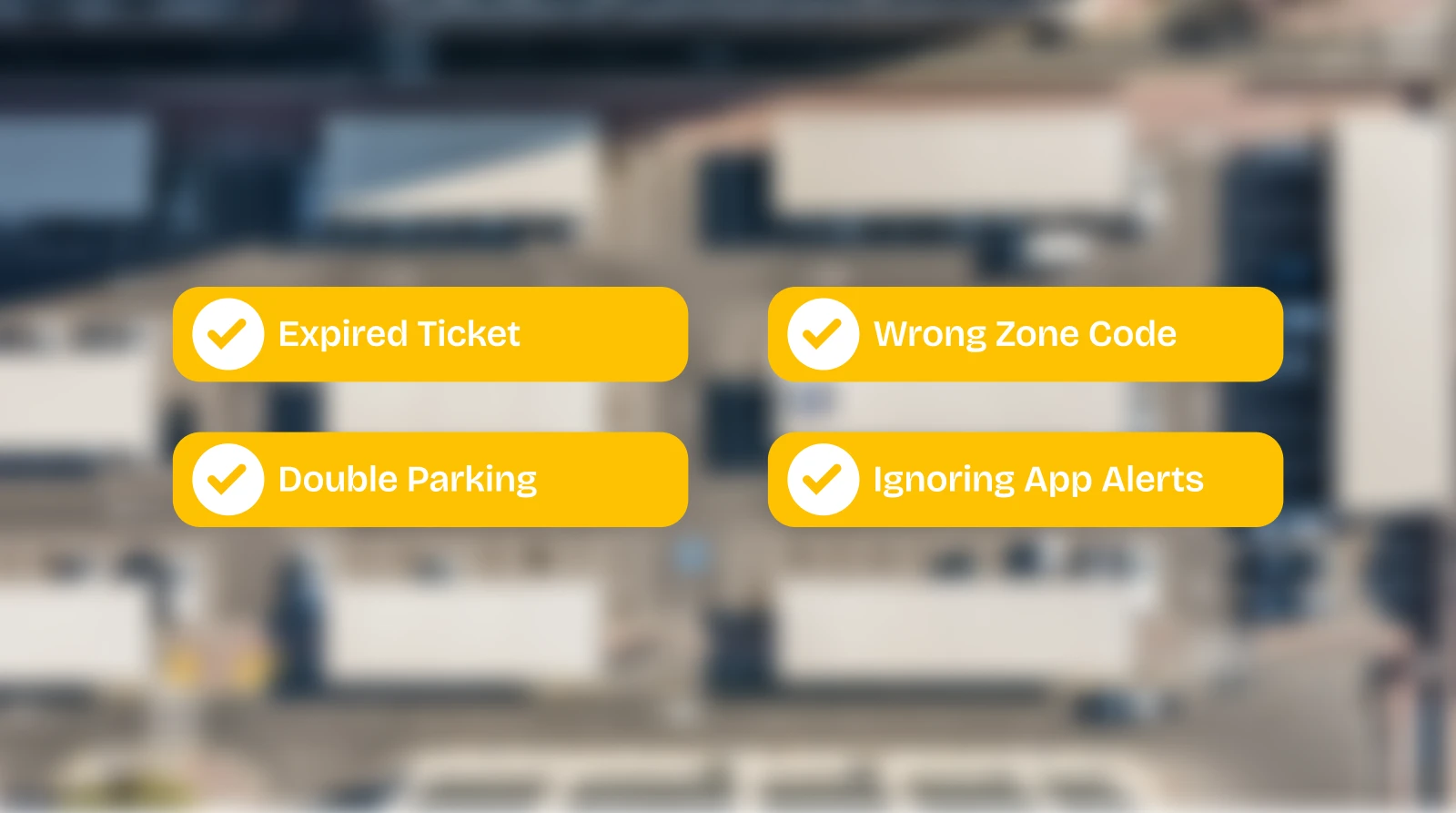
Lots of drivers in Dubai end up with fines not because they parked incorrectly, but because of small mis-steps: choosing the wrong zone code, leaving the ticket to expire, failing to extend timing or blocking someone by double parking. If you pay in the wrong zone, it triggers a parking fine Dubai wrong zone penalty. Fines can start at AED 150 for simple non-payment and shoot up to AED 1,000 for severe violations like using disabled-only spots without permit. The good news? You can check or pay any parking fine in one place.
Helpful Tips to Avoid Parking Fines
Follow these simple tips to stay safe and avoid unnecessary penalties:
- Always confirm the zone code before paying. Double-check the number on nearby signboards or in the RTA Dubai App to avoid paying for the wrong area.
- Set reminders to renew parking time. Most fines happen when the ticket expires unnoticed.
- Keep SMS confirmations as proof. If there’s ever a dispute, your messages serve as valid evidence of payment.
- Prefer apps that send renewal alerts. The RTA Dubai and DubaiNow apps automatically remind you before your parking time runs out.
Final Take
This detailed guide explains that finding the right way to pay parking in Dubai can be confusing but there are different ways that make it easy for those who do not know how to pay parking in Dubai. We have walked you through all the essentials, from understanding RTA parking zones and fees to learning 10 easy ways to pay using SMS, apps, or meters.
Once you get familiar with these methods, you avoid penalties and save yourself from the parking nightmares. If you’re a resident who prefers not to drive and need to hire a driver in Dubai, SafeDriverDXB is always here for you.